There are over 1.58 billion active websites out there. Standing out is harder than ever, and design directly shapes how buyers feel about your brand before they read a single word of copy.
So what makes a website worth visiting in 2022? Here are 14 trends we're watching, and a few thoughts on how to use them well.
1. Interactive Designs
People don't want to read at your website. They want to interact with it. Hidden elements, hover effects, clickable surprises — these keep users curious and engaged far longer than a static page ever will.
The catch: interactive elements have to feel obvious. If a user can't figure out what to do within a second or two, you've lost them. Keep it playful, keep it intuitive.
2. Videos
Video is still one of the strongest tools in digital content. A short, well-made video can explain your product faster than three paragraphs of copy. It can also do things text can't — show a real customer talking about their experience, give a sneak peek at something new, or walk someone through a process step by step.
Quality matters here. A shaky, low-res video does more damage than no video at all. Keep them short, clear, and professionally shot.
3. Gradient Color Schemes
Gradients are everywhere right now, and for good reason. A well-chosen gradient is eye-catching without being aggressive. It adds visual depth to a page and, when the colors are right, feels warm and welcoming rather than loud.
You can use them on backgrounds, on text, or both. Spend some time with the color wheel before committing — not every gradient combination works for every brand.
4. Unique Scrolling
Vertical scrolling is the default. Horizontal scrolling is the surprise. More companies are experimenting with non-traditional scroll behavior, and it works because it breaks the pattern users expect. That moment of "wait, what?" is a good thing — it gets attention.
This applies to both images and text. Expect to see more of it.
5. Bold Fonts and Type
For years, big hero images ran the homepage. Text was secondary. That's flipping. Big, bold headlines with tight, punchy messages are now doing the heavy lifting — and they're converting faster than image-heavy layouts in a lot of cases.
If you go this route, add a short subheadline to give a little more context. But keep the main message sharp. Three seconds is about all you get.
6. Updated Footers
Footers have always been the catch-all at the bottom of the page — social links, addresses, blog links, legal stuff. Most people ignore them. But some brands are turning their footers into something worth scrolling to, adding things like live clocks, polls, or other small utilities users didn't expect to find there.
It's one of the most underused spaces on a website. A little creativity here goes a long way.
7. Micro-Animations
Small, subtle animations — a button that pulses, an icon that spins on hover, a headline that fades in as you scroll — add a sense of life to a page without overwhelming it. They're the kind of thing users notice without quite knowing why the site feels more polished.
These pair well with interactive design elements. Together, they make a website feel responsive and alive.
8. Illustrations
Stock photos are losing ground. Custom illustrations are taking their place. And honestly, it makes sense — a good illustration can communicate an abstract concept far better than a staged photo of people in a conference room shaking hands.
Custom work also means nobody else has it. Your illustration is yours. That kind of visual distinctiveness is hard to buy any other way.
9. Abstract Imagery
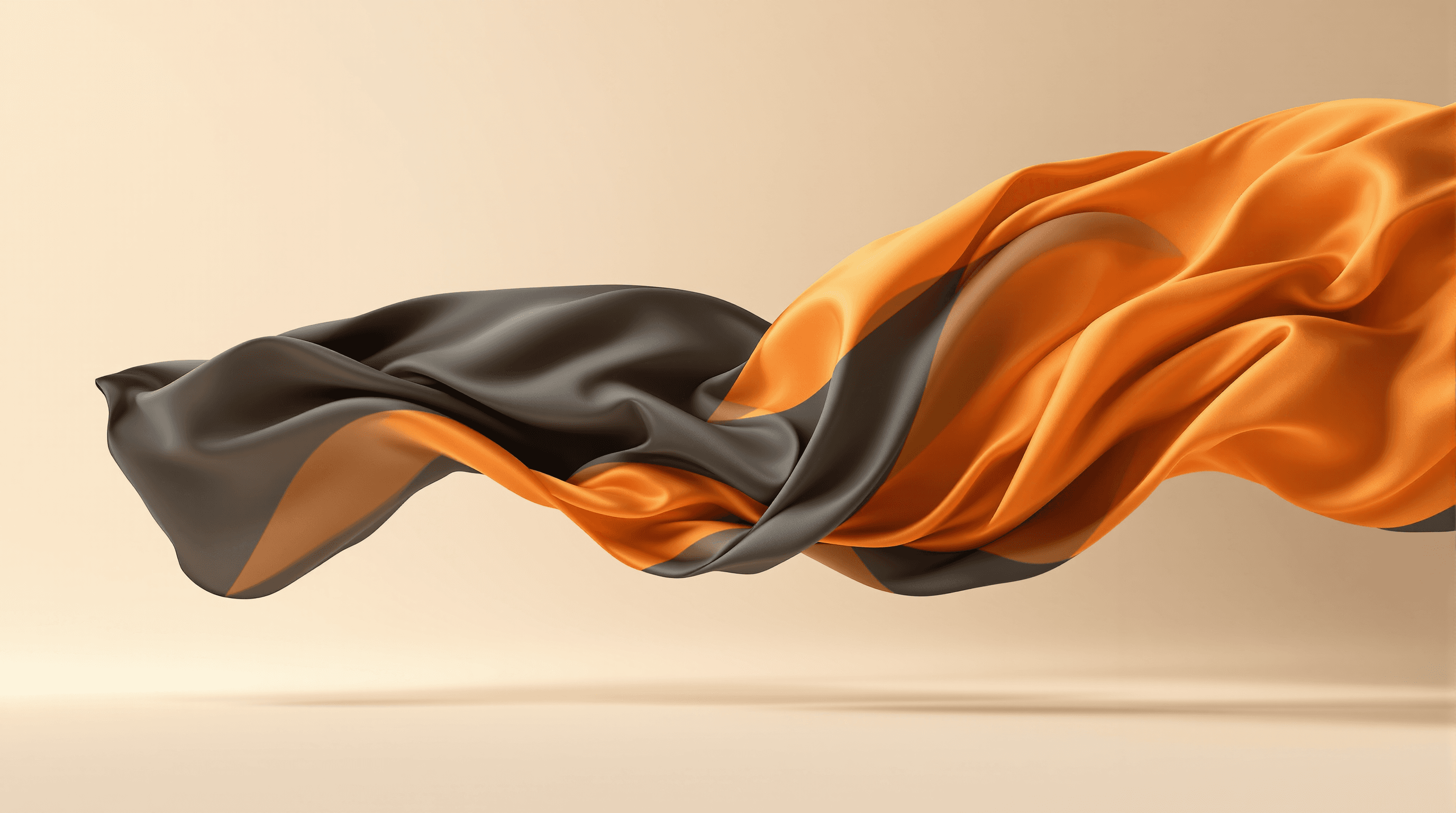
Photography isn't the only way to create a visual mood. Abstract imagery — shapes, textures, digital art — can generate curiosity around a product or service in ways a literal photo can't. It invites interpretation.
And you don't need a full design team to pull this off. There are plenty of free or low-cost tools that make it accessible for smaller teams.
10. Moving Type
Bold text is one thing. Bold text that moves is another. Scrolling headlines, text that fades in, letters that light up — motion draws the eye and adds energy to a page without needing a single image.
Use it selectively. One or two moving text elements land well. Ten of them become noise.
11. Split-Screen
Splitting the header into two distinct panels — one for an image, one for text, for example — lets you do more with the same space. It's a clean way to combine trends, serve multiple user needs at once, and create visual contrast without cluttering the page.
Experiment with the balance. The split doesn't have to be 50/50.
12. Inclusive Copy
This one's less of a "trend" and more of a baseline expectation at this point. Buyers expect brands to reflect a range of people and perspectives. If your website's imagery and language doesn't speak to someone, they'll find a brand whose does.
Inclusive copy and imagery should show up across your whole site. Full stop.
13. Page Speed
None of the other 13 trends on this list matter if your page takes five seconds to load. Speed has always been the foundation, and it still is. A slow site kills conversions before design even enters the conversation.
Prioritize it. Every time.
14. Simplicity
Don't try to use all 14 of these at once. Pick one or two that fit your brand, do them well, and leave the rest for later. A website that tries to do everything usually ends up doing nothing — and making it harder for users to find what they came for.
Good design gets out of the way. Let the content breathe.
Where to Start
Whether you're rebuilding from scratch or just refreshing what you have, these trends give you a solid starting point. Test as you go. What works for one brand won't always work for another.
Want help building something that converts? Get in touch with us.